+91 9999968096
 Photo Gallery
 Blog
Blog




Table of Contents
- Prepare your HTML template
- After downloaded put it under your server root folder .
- Now create a folder i.e 'includes' and blank PHP files :
- open the index.php file in your favourite editor .
- Similar for all left,right,footer area.
- Let's talk about creating other pages in the project supposed 'about.php'.
Prepare your HTML template
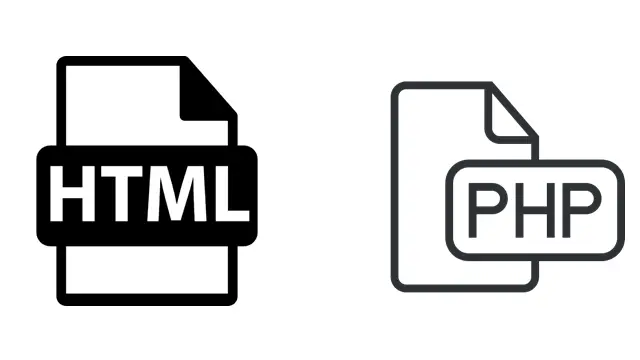 This is the first step for setting up PHP project from HTML Template.For this you must have an HTML Template, if you do not have any HTML template ,download it from online resources, you can search lots of free CSS template from google.
I have download a sample HTML/CSS template for this tutorial.download link https://www.free-css.com/free-css-templates/page87/electronix#shout
This is the first step for setting up PHP project from HTML Template.For this you must have an HTML Template, if you do not have any HTML template ,download it from online resources, you can search lots of free CSS template from google.
I have download a sample HTML/CSS template for this tutorial.download link https://www.free-css.com/free-css-templates/page87/electronix#shout